
Automation Integration: Master Efficiency & Drive Growth
Automation Integration: Master Efficiency & Drive Growth in 2025
Manual tasks can drain your team’s energy and slow down growth. If you’re tired of disconnected systems causing headaches, you're not alone. The solution? Strategic automation integration. This guide will walk you through how connecting your systems automatically can save time, cut costs, and prepare your business for significant growth. For SMBs, this often means overcoming the burden of staff managing endless inbound calls or manually updating CRMs; Growth Design Studio specializes in implementing AI automation solutions that can save 20+ hours weekly using no-code AI and reduce costs by 50% for businesses in real estate, healthcare, and local services.
What is Automation Integration? Core Concepts for 2025
Many businesses use automation, but true power comes from integrating those automations. Think of it as building a smarter, connected workflow rather than just automating isolated steps.
Defining Automation Integration: Beyond Simple Connectivity
Automation integration means making all your software, hardware, and business systems work together seamlessly and automatically. It’s more than just connecting two apps; it's about orchestrating entire processes so that data flows freely and tasks complete themselves without human oversight Oneio.cloud. This creates a single, unified workflow across your entire operation. For instance, in a busy dental practice, integrating appointment scheduling with patient reminders and billing software eliminates manual data entry, saving staff hours and ensuring patients receive timely communications, directly contributing to a 200-400% ROI in Year 1.
Integration vs. Automation: Understanding the Key Distinction
While often used together, integration and automation are distinct. Integration connects different systems, allowing them to share information. Automation, however, takes this a step further by removing the need for human intervention in those connected processes Bluelinkerp.
For example, integrating your CRM with your email marketing tool means they can talk to each other. Automating that integration means a new lead in your CRM automatically gets added to a welcome email sequence in your marketing tool. You set it up once, and it runs itself.
Why Integrated Automation is Crucial for Modern Businesses
In today's fast-paced business world, efficiency isn't a luxury—it’s a necessity. Integrated automation helps businesses save time, reduce errors, and focus on strategic work instead of repetitive tasks Exalate.com. It helps your business stay agile and competitive. Without it, you're likely leaving valuable time and money on the table.
The Transformative Benefits of Integrated Automation
Connecting your systems to run processes automatically brings tangible improvements. It’s not just about saving a few clicks; it’s about transforming how your business operates.
Boosting Operational Efficiency and Reducing Manual Errors
When systems communicate on their own, manual data entry becomes a thing of the past. This dramatically speeds up operations and virtually eliminates human error. Imagine customer data flowing directly from your sales tool to your accounting software—no retyping, no mistakes, just smooth processing Cyclr.com. This frees up your team to tackle more impactful work. Consider a roofing company: by automating lead qualification and estimate generation, they can capture and process leads 24/7, improving customer engagement and allowing sales teams to focus solely on high-value prospects, increasing their efficiency dramatically.
Enhancing Data Flow, Collaboration, and Decision-Making
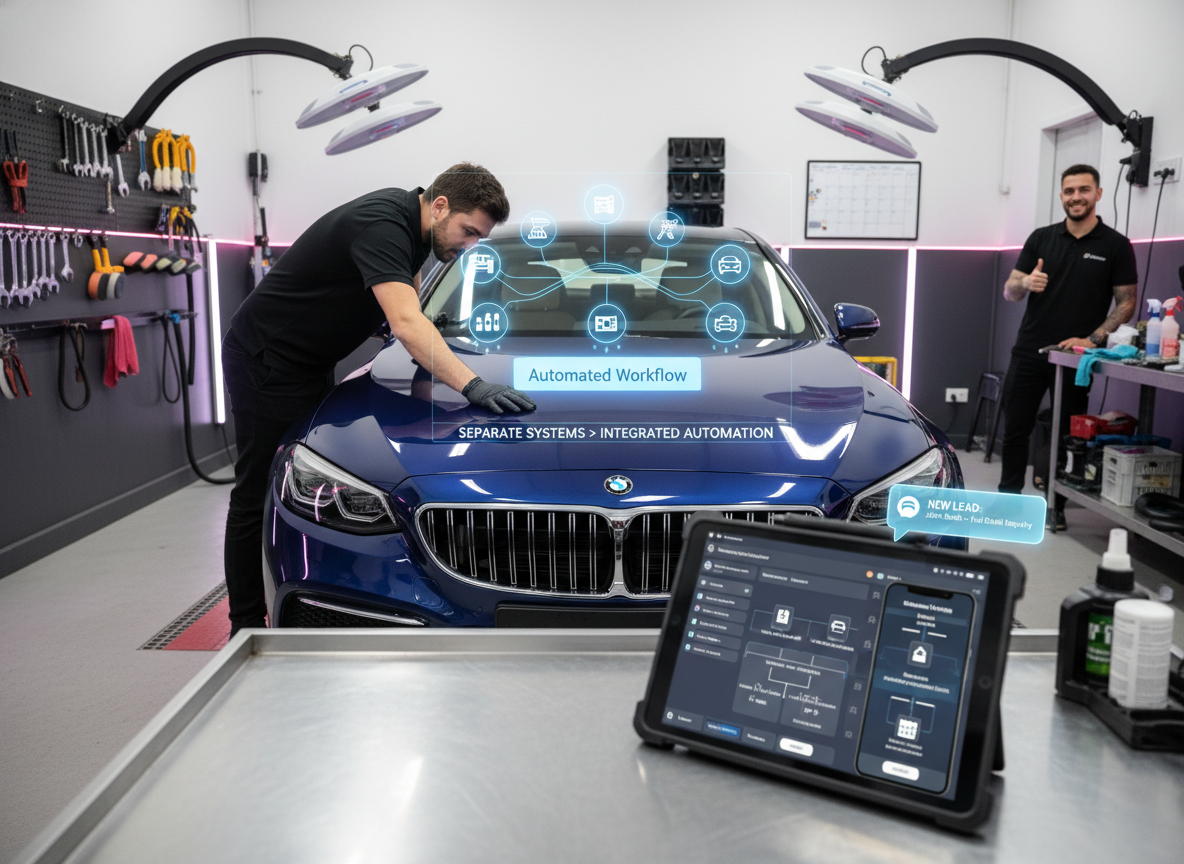
Integrated automation ensures that everyone in your team has access to the most current information. When data moves freely between departments, collaboration improves significantly. Sales, marketing, and support teams can work from the same updated client profiles. This clear, consistent data also leads to better, faster decision-making because you're always working with accurate insights HubSpot. For automotive dealerships, integrating their CRM with service scheduling and inventory management means sales, service, and parts departments operate with real-time customer and vehicle data, leading to smoother handoffs and improved customer satisfaction.
Scalability and Agility: Preparing for Future Growth
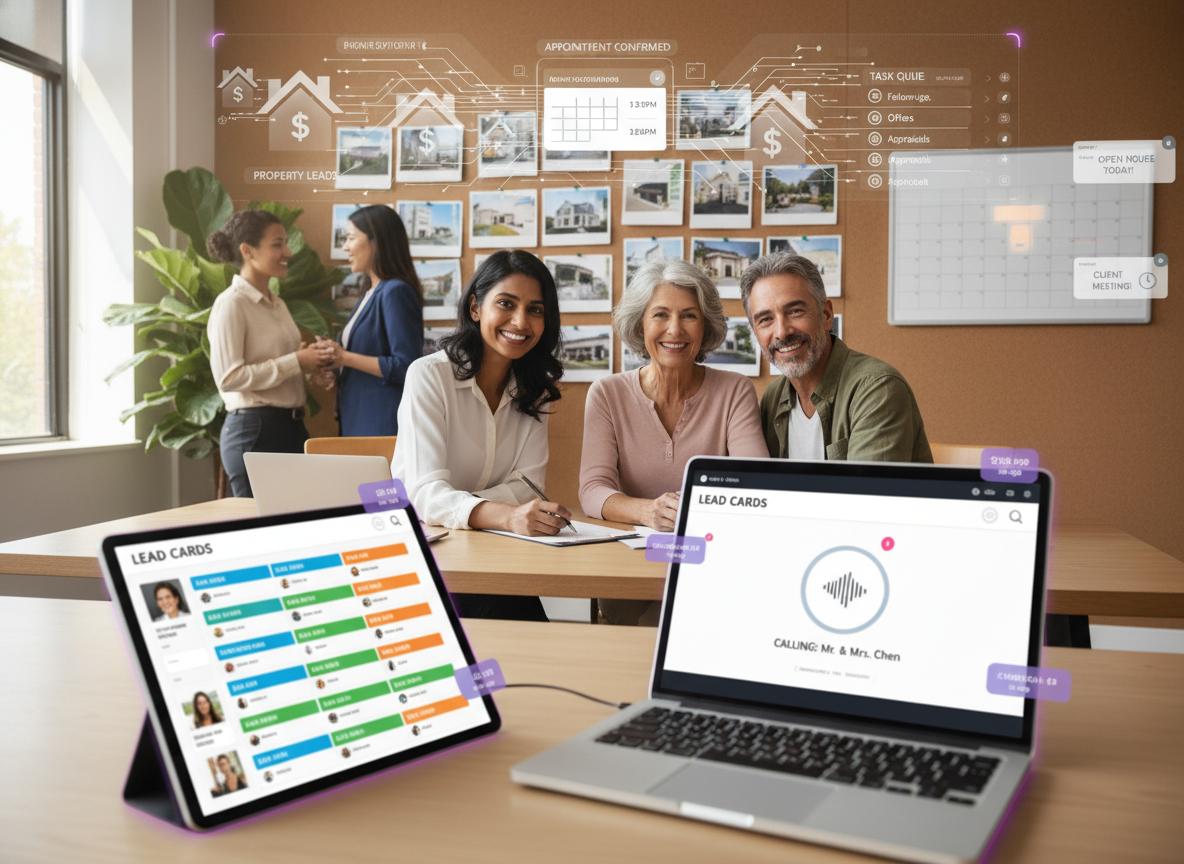
One of the biggest advantages of integrated automation is how it prepares your business for growth. As your company expands, your automated workflows can handle increased volumes of data and tasks without needing more staff or additional manual effort. This scalability means you can grow without hitting bottlenecks, keeping your operations agile and responsive to market changes. Real estate agencies, for example, can onboard new agents and manage increased lead volumes with pre-built automated workflows, ensuring 24/7 customer engagement without proportional increases in staffing costs, with deployments often completed within 3-7 days.

Types, Real-World Examples, and Essential Tools for Integration
There are several ways to approach automation integration, each with its own strengths. Knowing these methods and seeing them in action can help you choose the right path for your business.
Exploring Different Approaches: API, RPA, iPaaS, and Custom Integrations
API (Application Programming Interface) Integrations: These are direct connections between software applications that allow them to talk to each other. Most modern software offers APIs.
RPA (Robotic Process Automation): RPA uses software robots to mimic human actions when interacting with digital systems. It's great for automating repetitive, rule-based tasks across different applications, especially older ones without robust APIs.
iPaaS (Integration Platform as a Service): iPaaS platforms provide cloud-based tools and services to connect various applications. These platforms simplify the setup and management of integrations, often using low-code or no-code interfaces.
Custom Integrations: Sometimes, off-the-shelf solutions don't quite fit. Custom integrations involve building unique software to connect systems tailored specifically to your business needs.
Practical Applications: Examples Across Industries (Manufacturing, IT, Marketing)
Integrated automation is already transforming various industries:
Manufacturing: "Lights-out manufacturing" is a prime example. In these facilities, robots and automated equipment handle every step of the process—from material handling to assembly—without any human involvement or supervision Wevolver.com.
IT: Automated incident response systems connect monitoring tools with ticketing systems, automatically creating tickets and notifying the right teams when an issue arises.
Marketing: A new lead filling out a form on your website can trigger a series of automated actions: creating a contact in your CRM, sending a personalized welcome email, and assigning the lead to a sales representative. Growth Design Studio takes this further for SMBs. For e-commerce businesses, automating inventory updates across multiple sales channels and customer service inquiries with a multi-language Voice AI can prevent overselling and provide instant support, leading to improved customer retention and reduced operational overhead. You can learn more about AI for marketing automation and how it empowers small businesses.
Key Automation Integration Tools and Platforms
A variety of tools help businesses integrate and automate. Many focus on low-code or no-code approaches, making powerful automation accessible without deep technical skills IBM. These platforms often provide a visual interface to drag and drop connectors, set up triggers, and define actions between different applications. They allow even non-technical founders to build complex workflows. Unlike generic enterprise solutions, Growth Design Studio offers SMB-focused, affordable AI automation, providing comprehensive CRM integration with platforms like Zoho, HubSpot, and LeadSquared, specifically designed to address the unique needs and budgets of small to medium-sized businesses. Discover the best business process automation tools to further streamline your operations.

Strategic Implementation: Best Practices, Challenges, and Future Trends
Setting up integrated automation requires careful planning and execution. While the benefits are clear, understanding best practices and potential pitfalls is key to success.
Best Practices for Successful Automation Integration Projects
To make sure your automation integration projects succeed:
Start Small: Begin with a focused, manageable workflow. Prove the value, then expand.
Map Your Processes: Clearly understand your current manual workflows before trying to automate them. Identify bottlenecks and repetitive tasks.
Define Clear Goals: Know what specific outcomes you expect, whether it’s reducing processing time by 50% or eliminating manual data entry.
Test Thoroughly: Always test your automated workflows in a sandbox environment before deploying them live.
Monitor and Optimize: Automation isn't a one-and-done setup. Regularly review your integrated automations to ensure they’re working as intended and optimize them for better performance.
Common Challenges and How to Overcome Them
Automation integration can present challenges, but they are manageable:
Complexity: Connecting many different systems can become complex. An automation integrator, a specialist who helps different software and hardware work together as one large system, can simplify this for you Wikipedia. You can also learn how to overcome business process automation challenges.
Data Security: Ensuring data remains secure as it moves between systems is critical. Use tools and practices that comply with security standards.
Resistance to Change: Teams might be hesitant to adopt new automated processes. Communicate the benefits clearly and involve them in the planning.
Legacy Systems: Older systems might not have modern APIs. RPA can be a good solution here. Furthermore, navigating complex integrations, especially those involving multiple CRM systems or requiring multi-language support, can be daunting for SMBs; Growth Design Studio excels in tailoring these solutions, ensuring seamless compatibility and a smooth transition.
The Future of Automation Integration: AI, Machine Learning, and Predictive Capabilities
The future of automation integration is increasingly intelligent. AI and machine learning are starting to make these systems even smarter. They will learn from data, predict needs, and automatically optimize workflows without constant human input. We're moving towards systems that can adapt and improve on their own, making businesses even more efficient and proactive. This means less manual tweaking and more reliable, self-improving operations.

Frequently Asked Questions
What is automation integration?
Automation integration is the process of connecting various software, hardware, and business systems to work together seamlessly and automatically. It orchestrates entire processes, allowing data to flow freely and tasks to complete without human intervention, creating a unified workflow across operations.
What is an example of integrated automation?
An example of integrated automation is a marketing workflow where a new lead filling out a website form automatically triggers the creation of a contact in a CRM, sends a personalized welcome email, and assigns the lead to a sales representative. Another is "lights-out manufacturing," where robots and automated equipment handle all production steps without human supervision.
What is the difference between integration and automation?
Integration connects different systems, enabling them to share information. Automation takes this a step further by removing the need for human intervention in those connected processes. So, integration allows systems to communicate, while automation makes those communications trigger actions automatically.
What does an automation integrator do?
An automation integrator is a specialist (company or individual) who helps different versions of automation hardware and software work together. They combine various subsystems to create one large, cohesive automated system, simplifying complex integrations for businesses.
Conclusion
Integrated automation is a powerful way for businesses to streamline operations, save time, and foster growth. By connecting your systems to work together automatically, you can eliminate manual errors, improve data flow, and build a scalable foundation for the future. It’s about working smarter, not harder. With Growth Design Studio, SMBs can rapidly deploy tailored AI automation solutions, realizing significant gains in efficiency, customer engagement, and a 200-400% ROI in their first year. Ready to see how integrated automation can transform your business? Book your free automation audit and let's explore your custom solution with Growth Design Studio today.